Create
Pictures
Photo editor
Photo editor
Search
⌘K
Home
Projects
Create
Business
Social
Photo editor
Remove, replace or add anything with AI, or fine-tune light and colour in Pro mode.
Edit photo
What you can make
AI edit
Adjust
Save
Auto
Exposure
Brilliance
Highlights
Shadows
Contrast
Brightness
Black point
Saturation
Vibrance
Warmth
Tint
Sharpness
Definition
Noise
Vignette
Adjust
Filters
Crop
Pro mode: light, colour, filters
Photos-style dials and filters, live on the picture. Nothing is lost: change them again any time.
Try Pro mode
Before
After
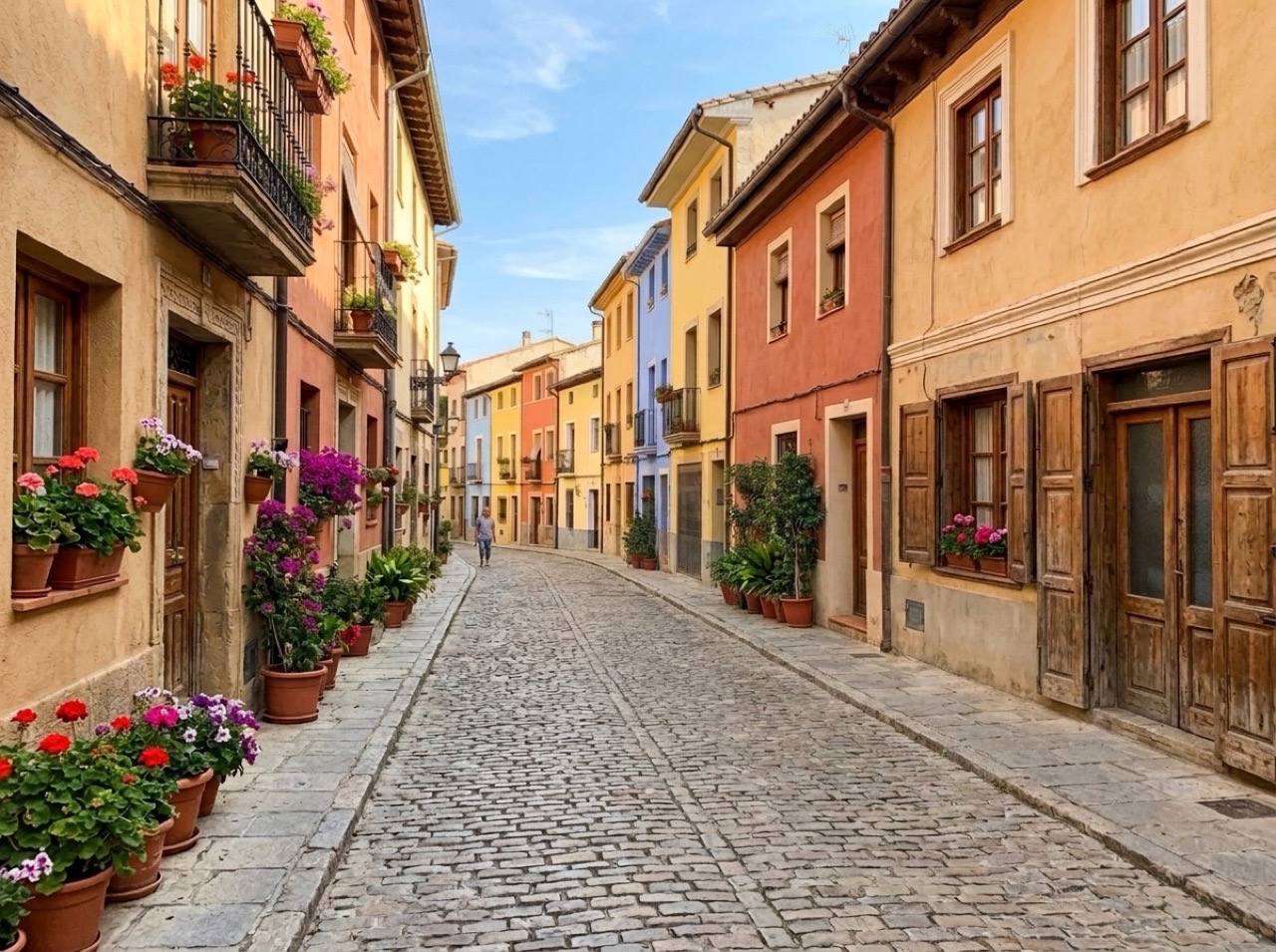
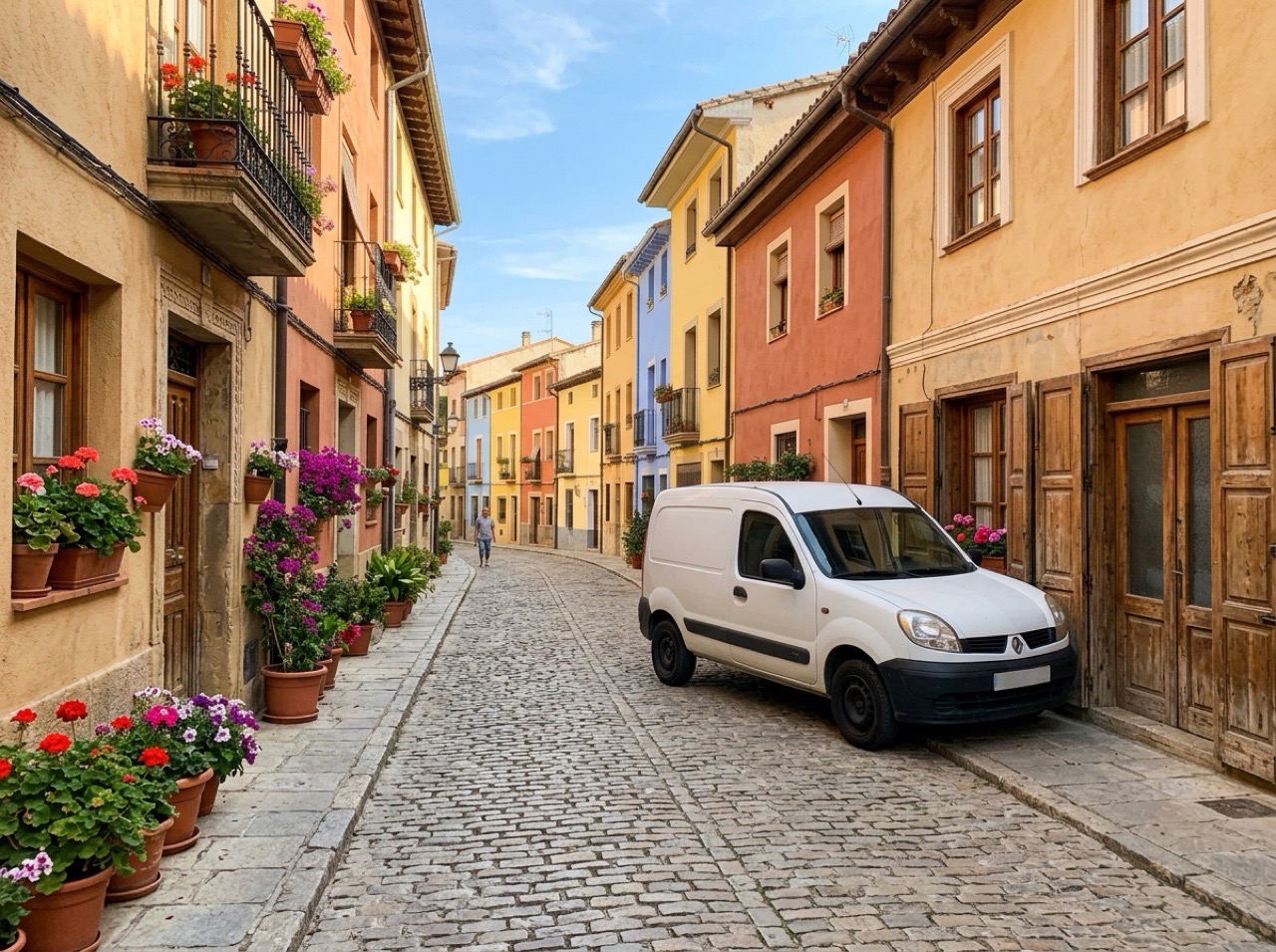
Remove anything
The van is gone and the street behind it is filled in.
Try it
Before
After
Replace the background
A busy counter becomes a studio plinth.
Try it
Before
After
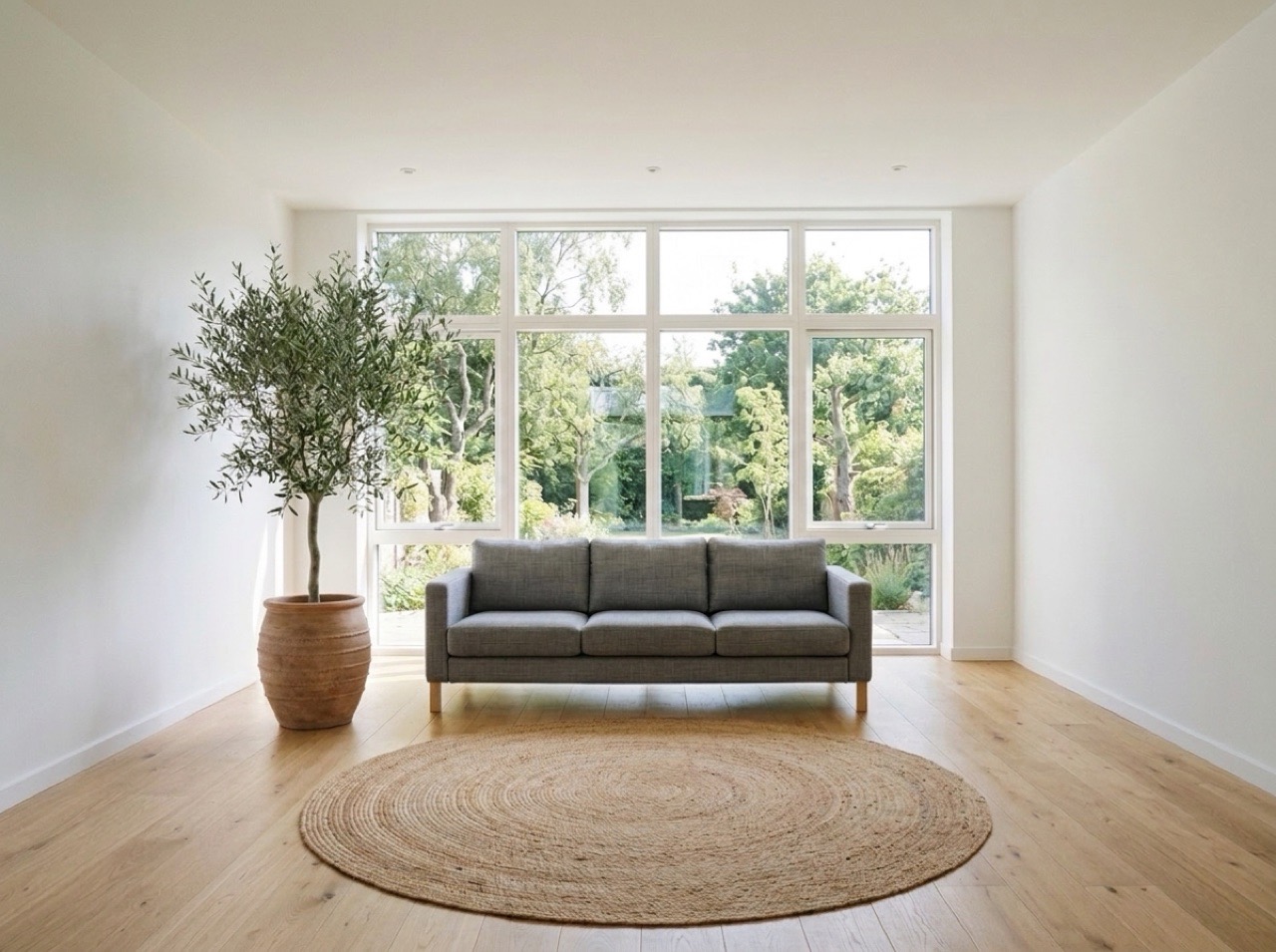
Add something new
An olive tree and a rug, lit like the room.
Try it